
The ESP32-C3 downloads firmware via
UART0(U0TXD (GPIO21) and U0RXD (GPIO20)) by default. Please refer to the 《ESP32-C3 Datasheet》 .

On the Windows environment, you can use the “ Flash Download Tool ” to download the firmware (The
binfile).On the Ubuntu environment, you can use the “ esptool ” to download the firmware (The
binfile). For example:
1 The following hardware conditions must be met for the ESP32-C3 chip to start:
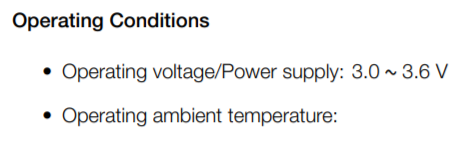
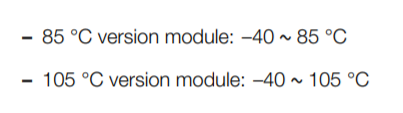
The ESP32-C3 chip working voltage range is
3.0 V ~ 3.6 V; If you use a single power supply, the recommended voltage of the power supply for ESP32-C3 family is3.3 V, and its recommended output current is500 mAor more. Please refer to the 《ESP32C3 Hardware Design Guidelines》 .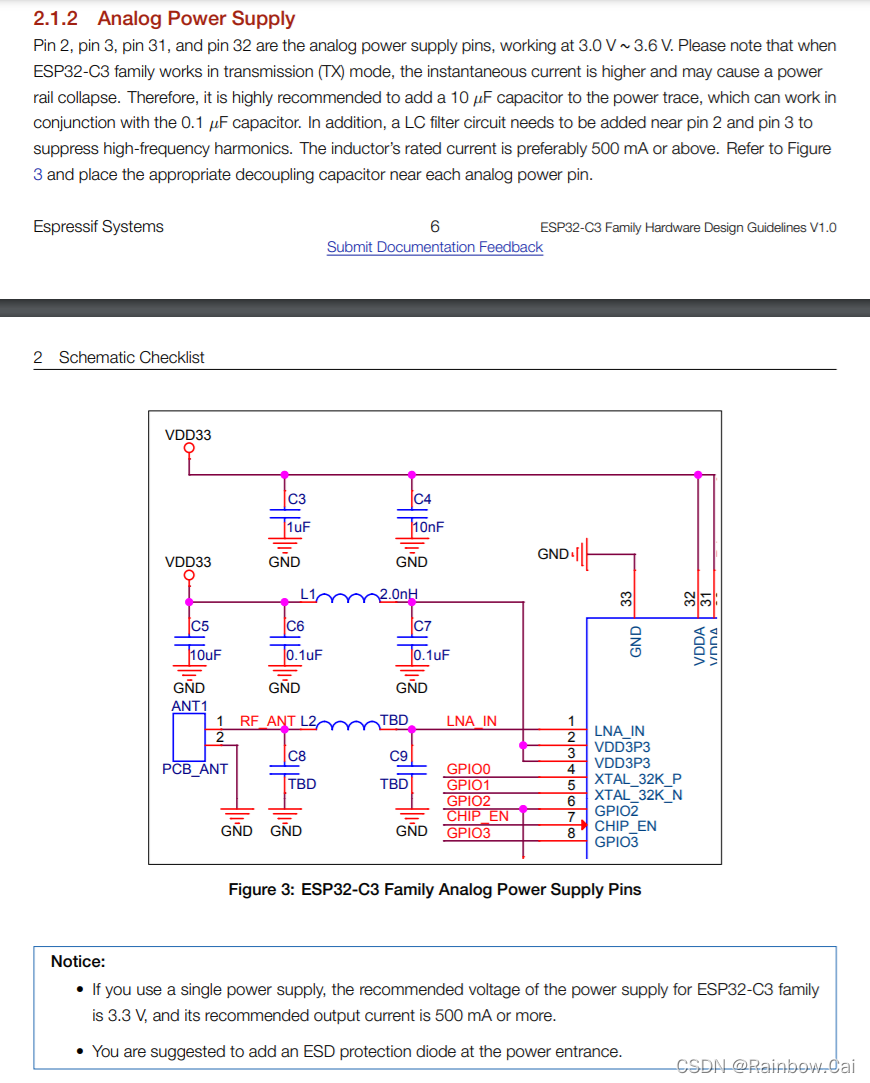
If using the ESP32-C3 series Chips , you need require an external
40 MHzcrystal oscillator for chip startup. If using the ESP32-C3 series modules , there is no longer need to external starting crystal oscillator. The hardware working conditions of ESP32-C3 chip can refer to the 《ESP32-C3-MINI1 Datasheet》 .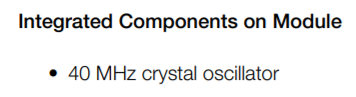
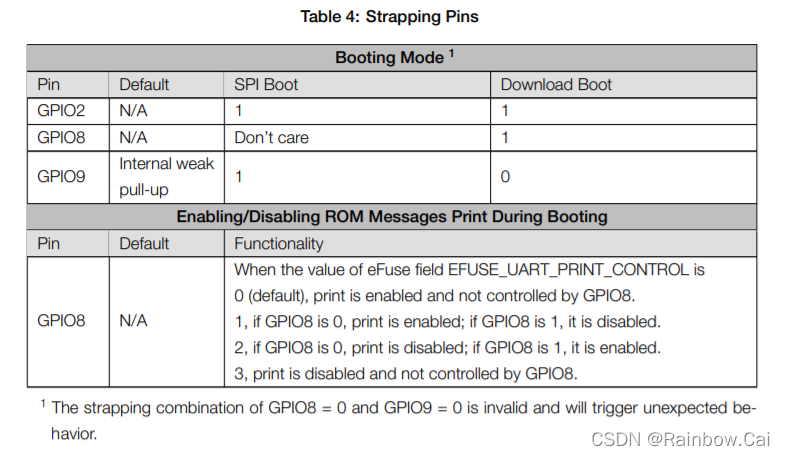
2 The following pins level requirements must be met when the ESP32-C3 series chips need enter thedownload mode:
【Note】
The strapping combination of
GPIO8 = 0 and GPIO9 = 0is invalid and will trigger unexpected behavior.
Please refer to the 《ESP32-C3 Datasheet》 about " Srtapping Pins " instructions.
3 Poweron Sequence
- The
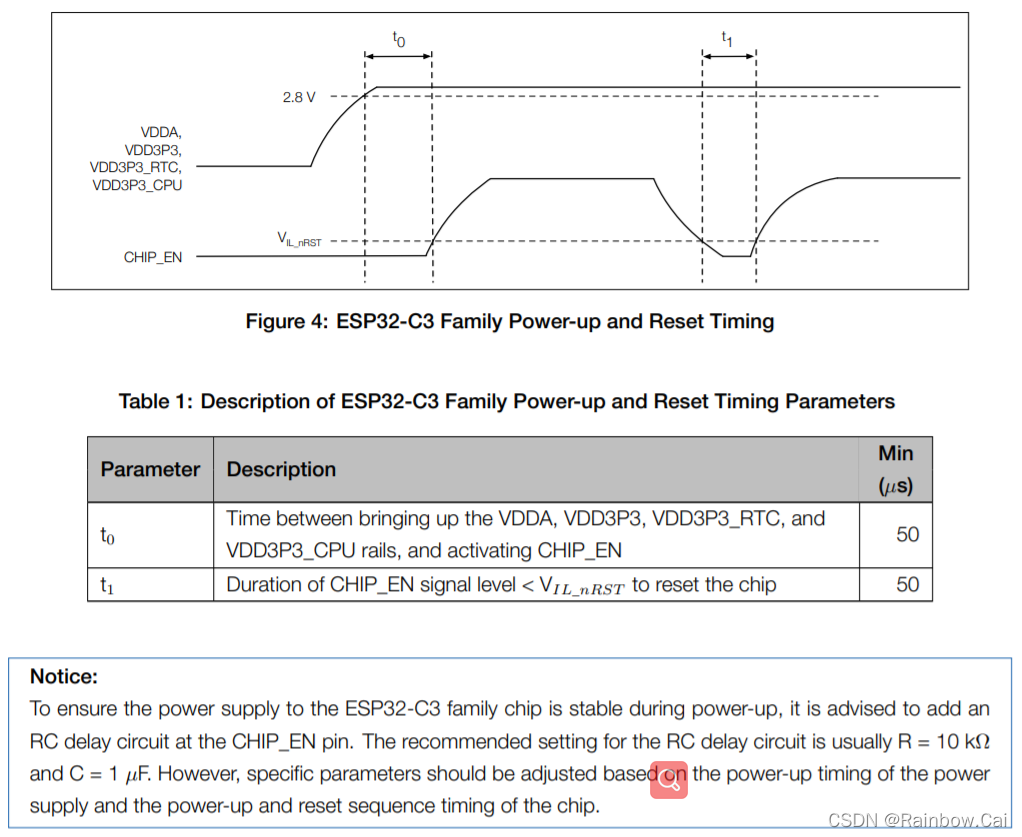
Chip_ENpin can be enabled only after the power supply reaches50 usafter2.8 V.That is when VDD reaches2.8 V, EN cannot exceed0.7 V. Please refer to the 《ESP32C3 Hardware Design Guidelines》 about " 2.2.1 Poweron Sequence " .
4 If the download fails, Please refer to the following methods for troubleshooting:
After the serial port tool is powered on, please pull down the
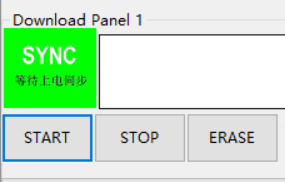
Chip_ENpin and reset it , the serial port will print logs. If print the “waiting for Download” logs , it proves that the chip is in download mode.After entering the download mode, if the COM port is in waiting for Power-on synchronization state on the “ Flash Download Tool ” , please check whether the COM port is correctly selected or occupied. And whether the UART0 download interface is correctly connected.
5【Introductions】
- If you want to use ESP32-C3 module to design hardware automatic download circuit, please refer to the " ESP32-C3-DevKitM-1 Schematic Diagram ".
- For more hardware design references , please refer to the 《ESP32C3 Hardware Design Guidelines》 .
- If your computer environment does not recognize ESP32-C3 devices, Please refer to the " Establish Serial Connection with ESP32-C3" guide .