
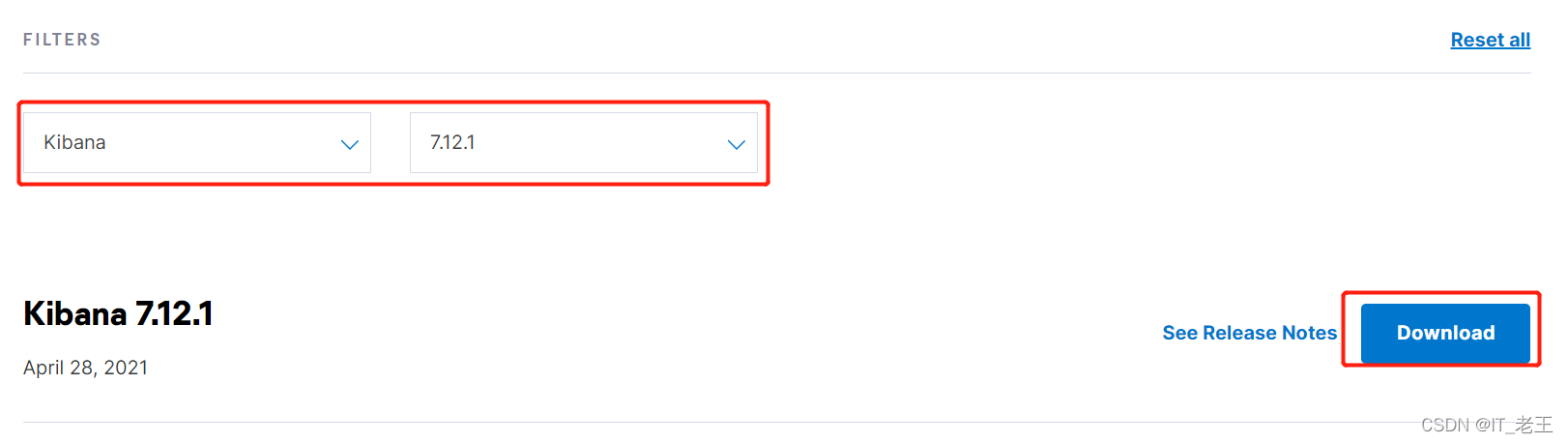
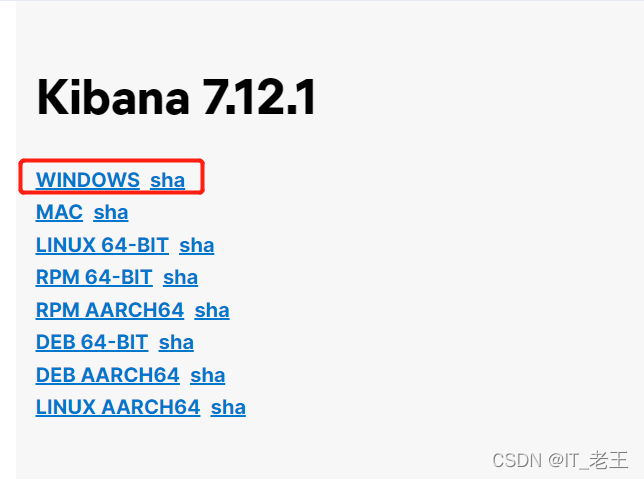
1. 下载软件
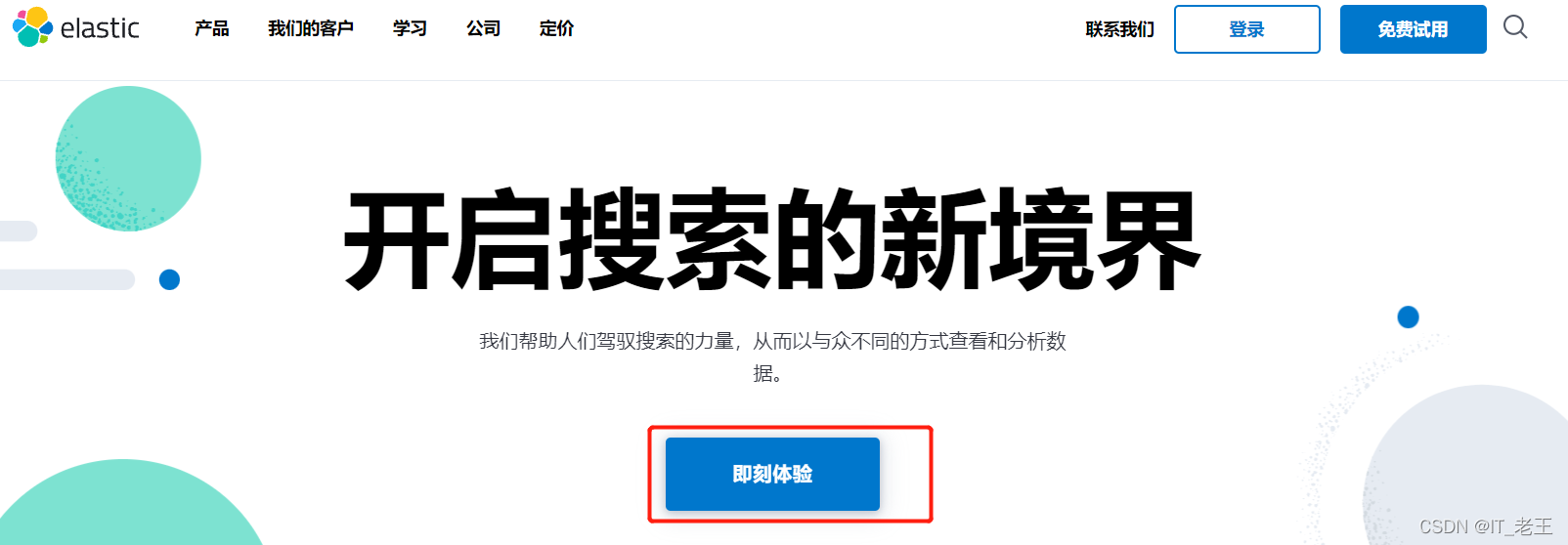
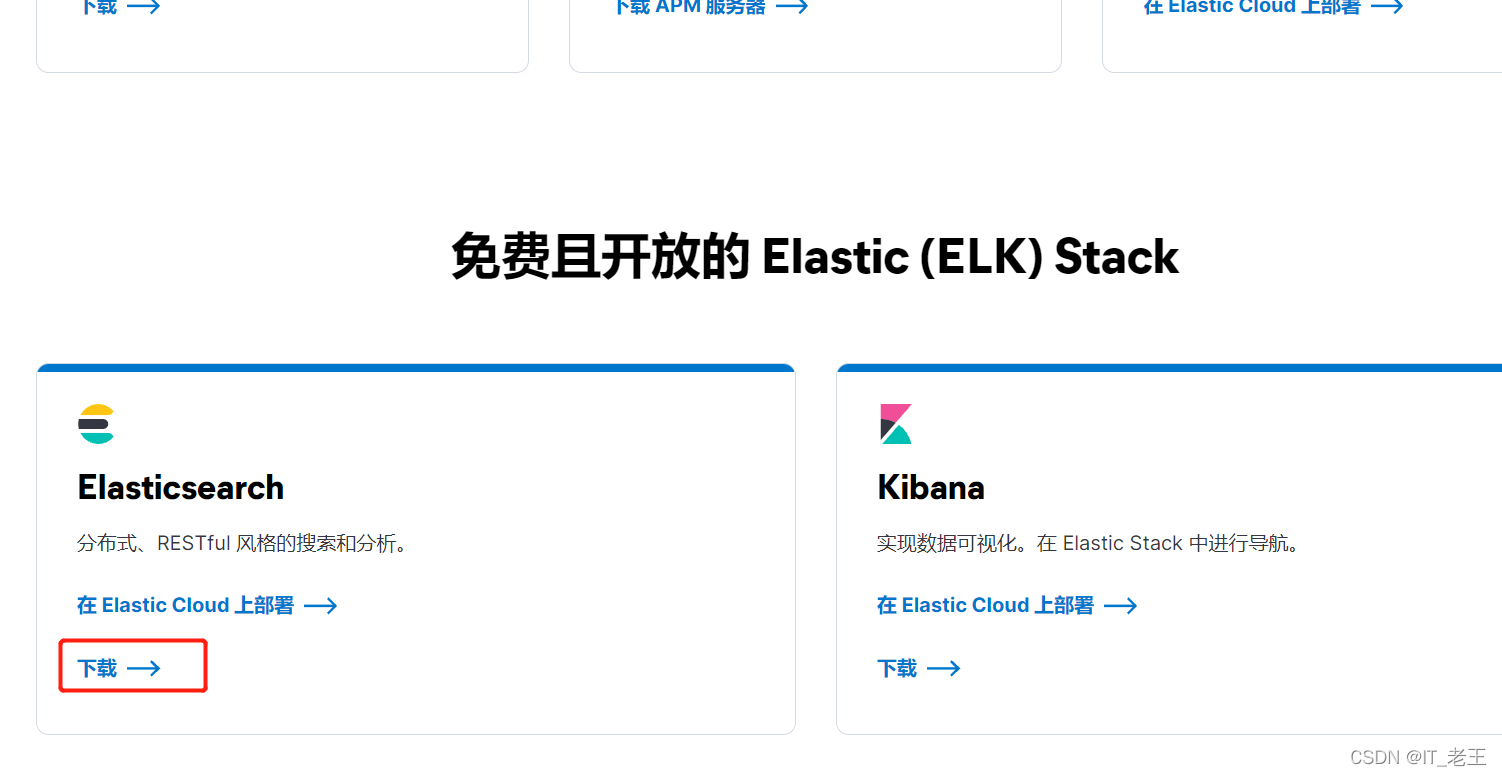
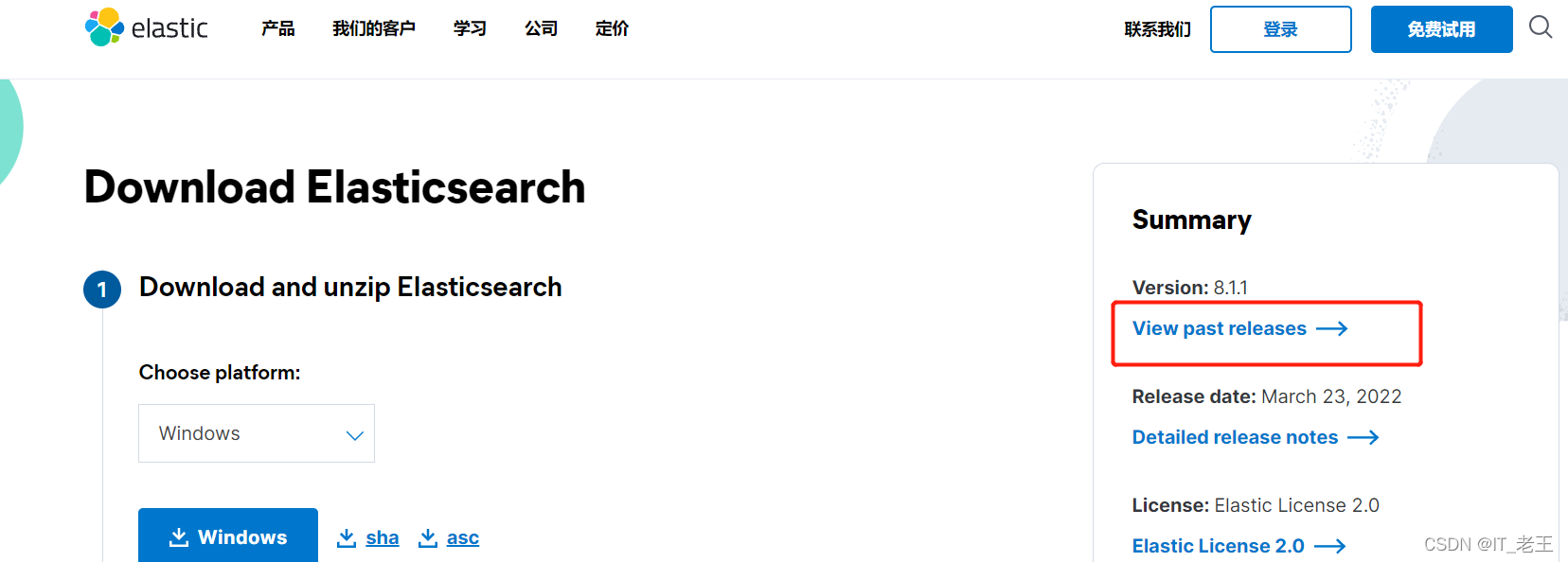
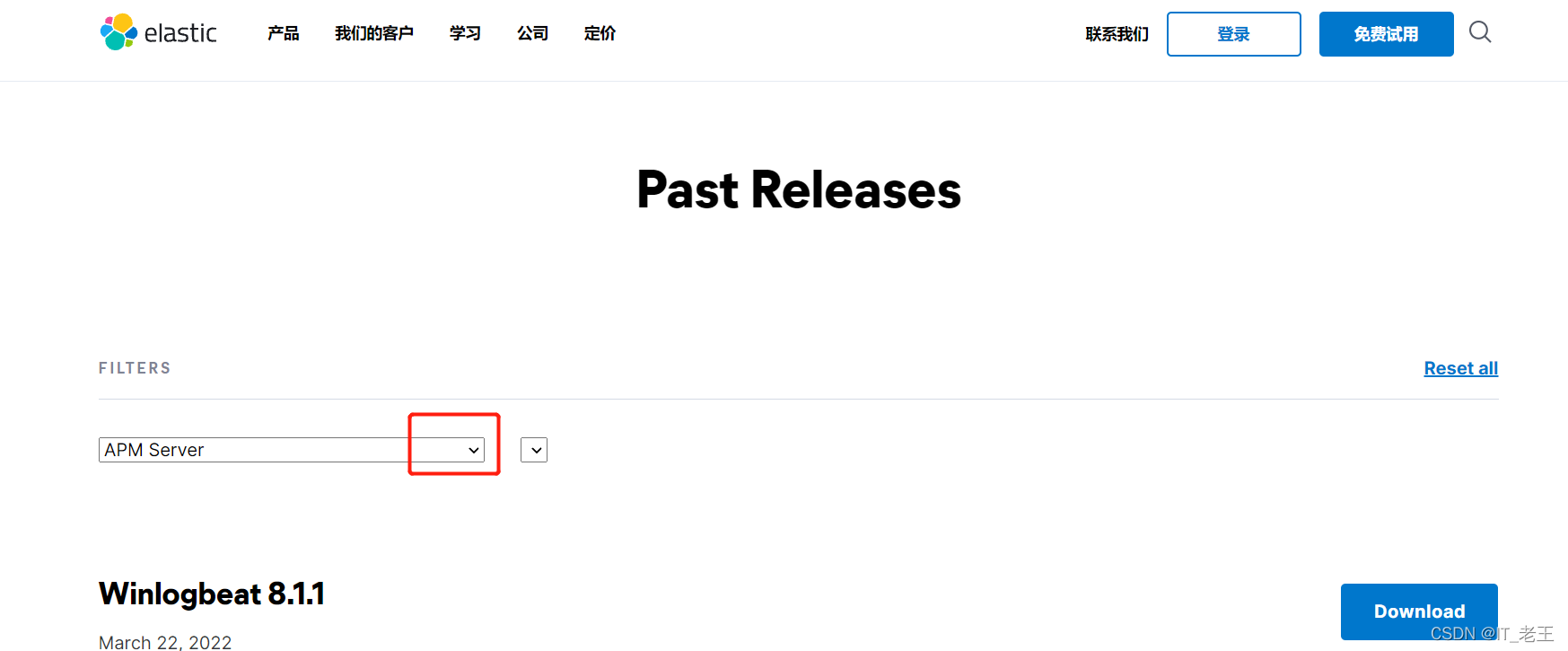
Elasticsearch的官方网站是:
https://www.elastic.co/cn/
2. 启动
输入 bin 目录并双击 kibana. Bat 开始 。
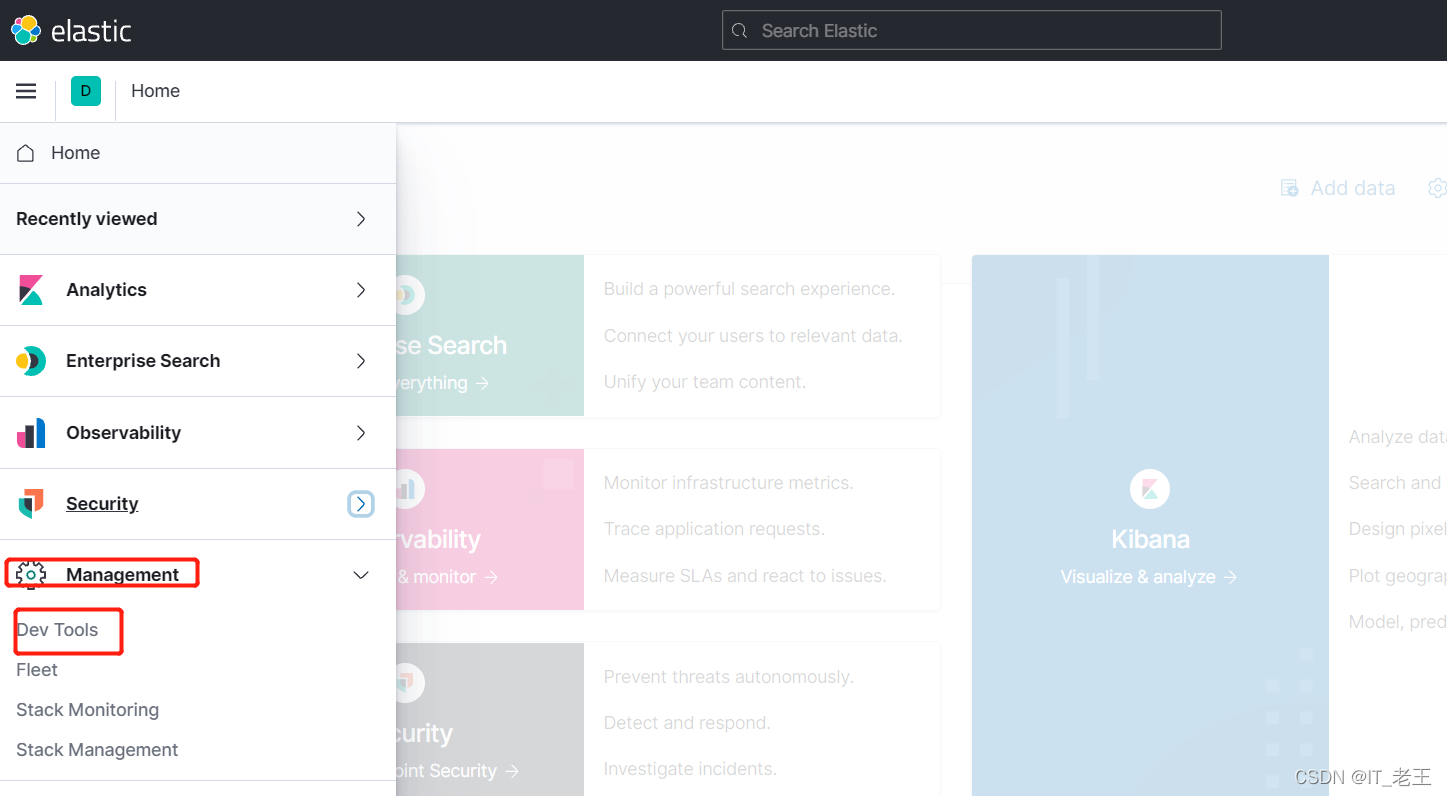
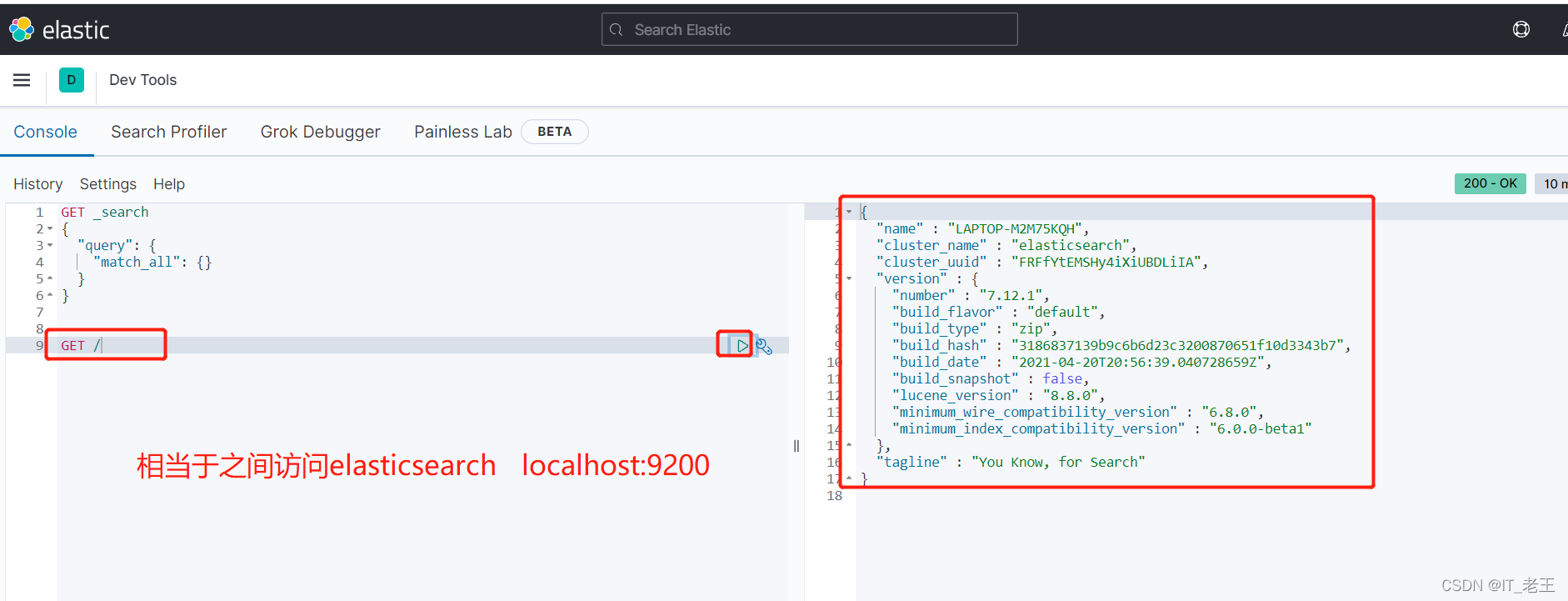
3. 测试
访问地址http://localhost:5601/

来源:http://www.tudoupe.com时间:2022-03-29
Elasticsearch的官方网站是:
https://www.elastic.co/cn/
输入 bin 目录并双击 kibana. Bat 开始 。
访问地址http://localhost:5601/
上一篇:windows网络编程-几种模式
下一篇:Windows安装--IK分词器
|
|
|
|
|
|
|
|
|
|
|
|
|
|
|
Copyright © 2012-2014 Www.tudoupe.Com. 土豆启动 版权所有 意见建议:tdsky@tudoupe.com
土豆系统,土豆PE,win7系统下载,win7 64位旗舰版下载,u盘启动,u盘装系统,win10下载,win10正式版下载,win10 RTM正式版下载,win8下载,电脑蓝屏,IE11修复,网络受限,4K对齐,双系统,隐藏分区,系统安装不了,U盘装系统,笔记本装系统,台式机装系统,diskgenius运用,GHSOT装系统,U盘修复,U盘技巧,U盘速度,U盘不能格式化,U盘复制发生错误,U盘加密,U盘选购,开机黑屏,蓝屏,进不了系统,上不了网,打不开程序,点击无反应,系统设置,PE个性化,PE添加网络,PE维护系统